
Insights & analysis
Dashboard
Your home screen: ask GGAB a question, read what it found in your matches, and build the dashboard you actually want to look at.
What the dashboard isLink to this section
The dashboard is your home screen after you sign in. It opens with a question box, and everything under it is about your own finished matches. Top to bottom:
- Ask GGAB: a box where you type a question about your game.
- Your latest match: the numbers from the match you just played.
- Insights for you: the patterns GGAB found without being asked.
- Your dashboard: charts and tiles you choose, and can change.
- Recent: the matches behind all of it.
It is the same order on your phone.
Before you have dataLink to this section
On a brand new account the dashboard shows what to do first, along with your counts of rallies and shots so far. Finish one match and the sections above start filling in. See Getting Started if you need a hand.
The switch under the question box (All, Singles, Doubles, Mixed) scopes the whole page, so your singles numbers never blend with your doubles.
Ask GGABLink to this section
Type a question into the box, or tap one of the suggestions under it. The conversation opens right there and takes over the screen. Your reply box stays at the bottom, and the rest of the dashboard waits below: scroll past the conversation to reach it.
While GGAB works you'll see what it is doing ("Reading your match data", "Running 2 analyses"). An answer usually has:
- A one line headline, then the explanation with the real numbers from your matches.
- A coaching note: what to do about it.
- Sometimes a chart.
- Follow-up questions you can tap to keep going.
The clock icon above the conversation opens your past chats, and + starts a new one. Ask GGAB uses tokens, and your balance sits at the bottom of the sidebar. See Tracking and Tokens for how tokens work.
Ask for a chart and keep itLink to this section
If you ask for something to be added to your dashboard, GGAB builds it and shows you a proposal: what each axis means, the first real rows from your data, and an Add to dashboard button. Press it and the chart lands in your dashboard below. If it isn't quite right, reply with the change instead ("make it a rate, not a count").
Say what you mean as exactly as you can: which errors (forced or unforced), and one match or all of them. If the request could mean two different charts, GGAB asks one short question first.
Insights for youLink to this section
These cards are GGAB's own findings, the things it most wants you to know. Each one is three lines: the finding, your number next to a pro reference, and how sure GGAB is ("5 matches · Moderate confidence"). Confidence grows as you finish more matches, and it never runs ahead of how many matches back it up.
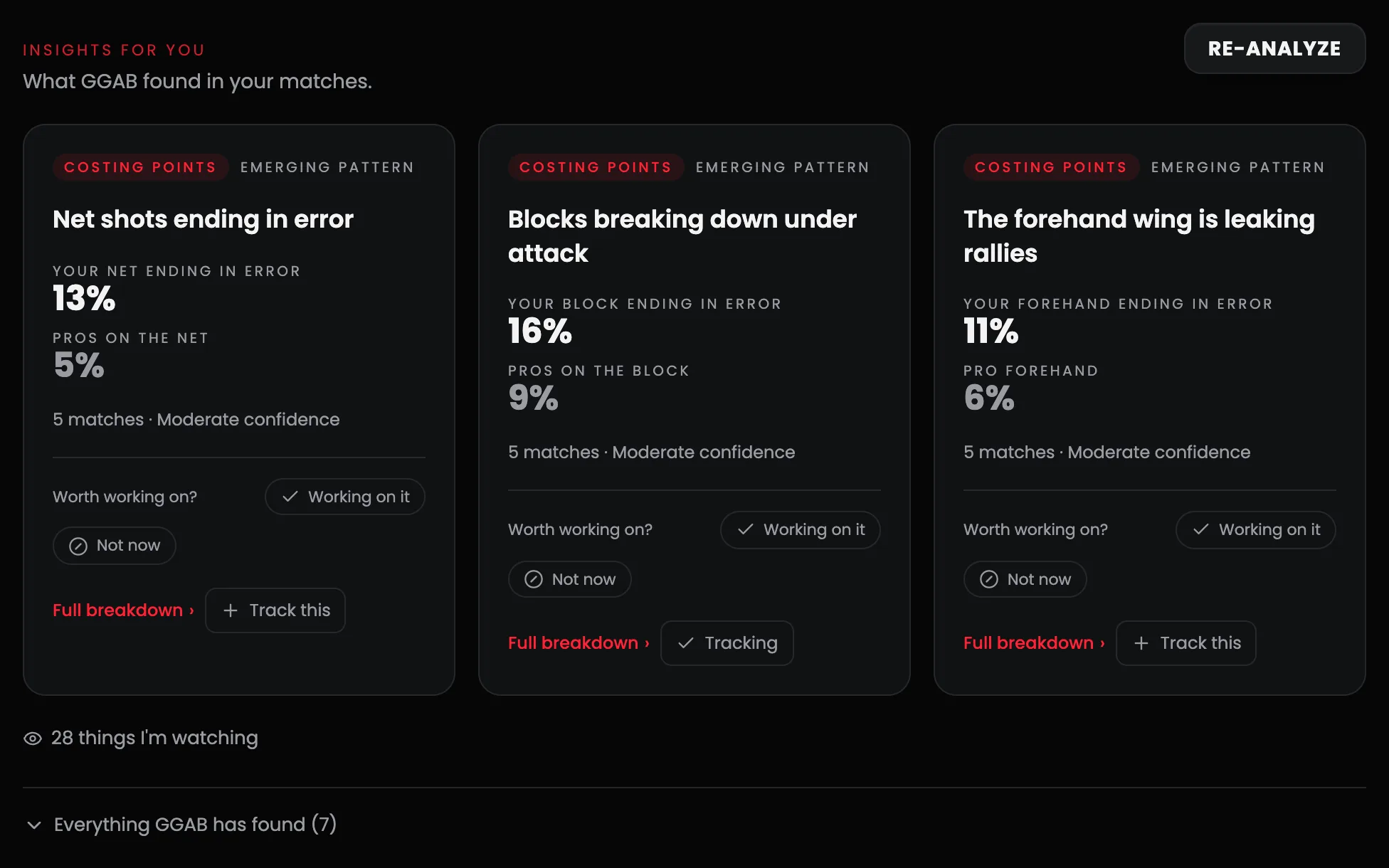
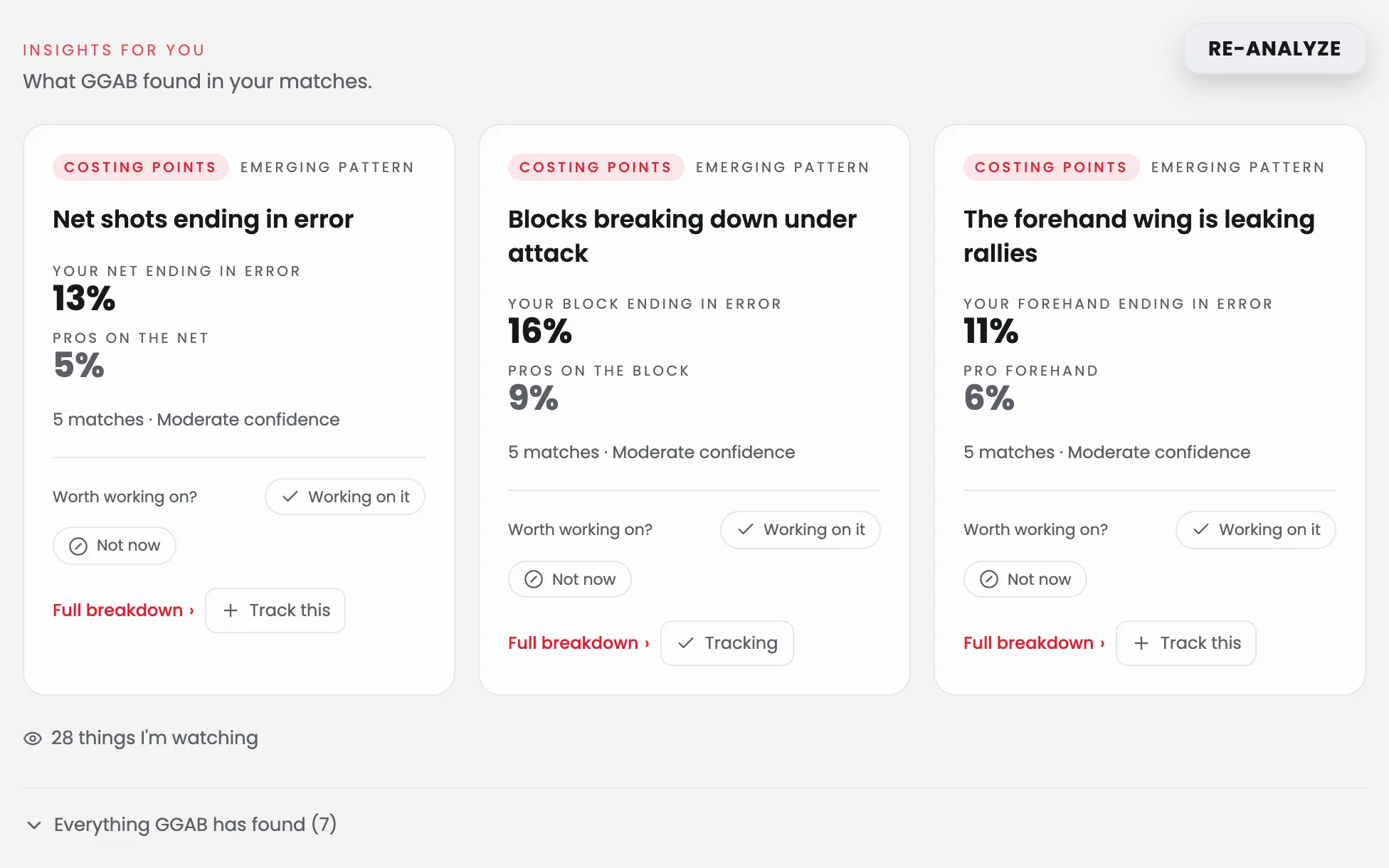
- Full breakdown opens a panel with the evidence and a plain "how this is calculated" section.
- Working on it and Not now tell GGAB what you care about, so the list stays useful.
- Track this turns the finding into a tile on your dashboard that GGAB keeps watching.
- Things I'm watching lists patterns that are not proven yet. Everything GGAB has found opens the full list.
We use pro numbers only as a guide. They never mix into your data.
Your dashboardLink to this section
This is the part you own. An empty dashboard offers to set itself up from the goals you picked, and from then on every tile is yours to change. Clear it on purpose and it stays clear.
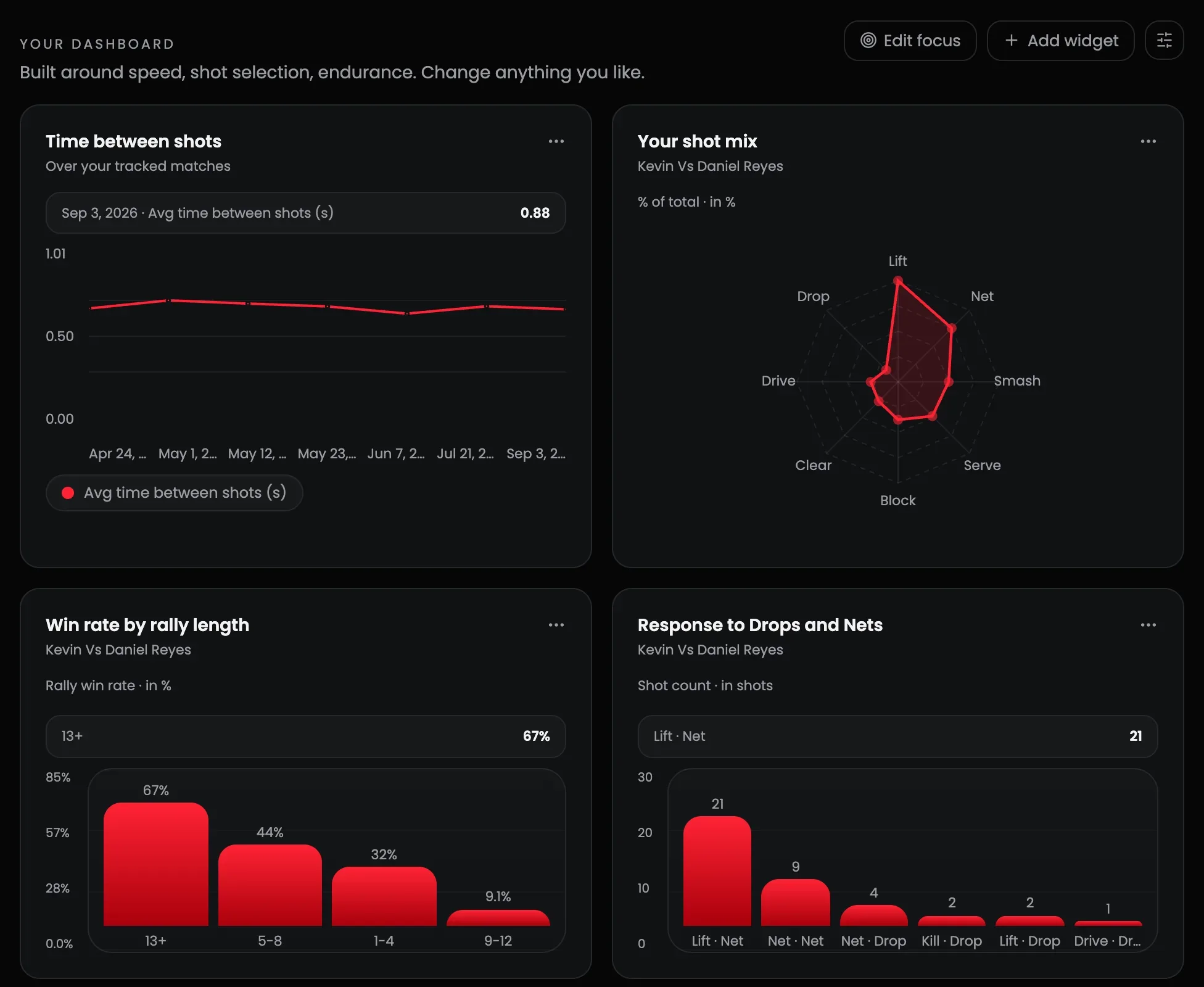
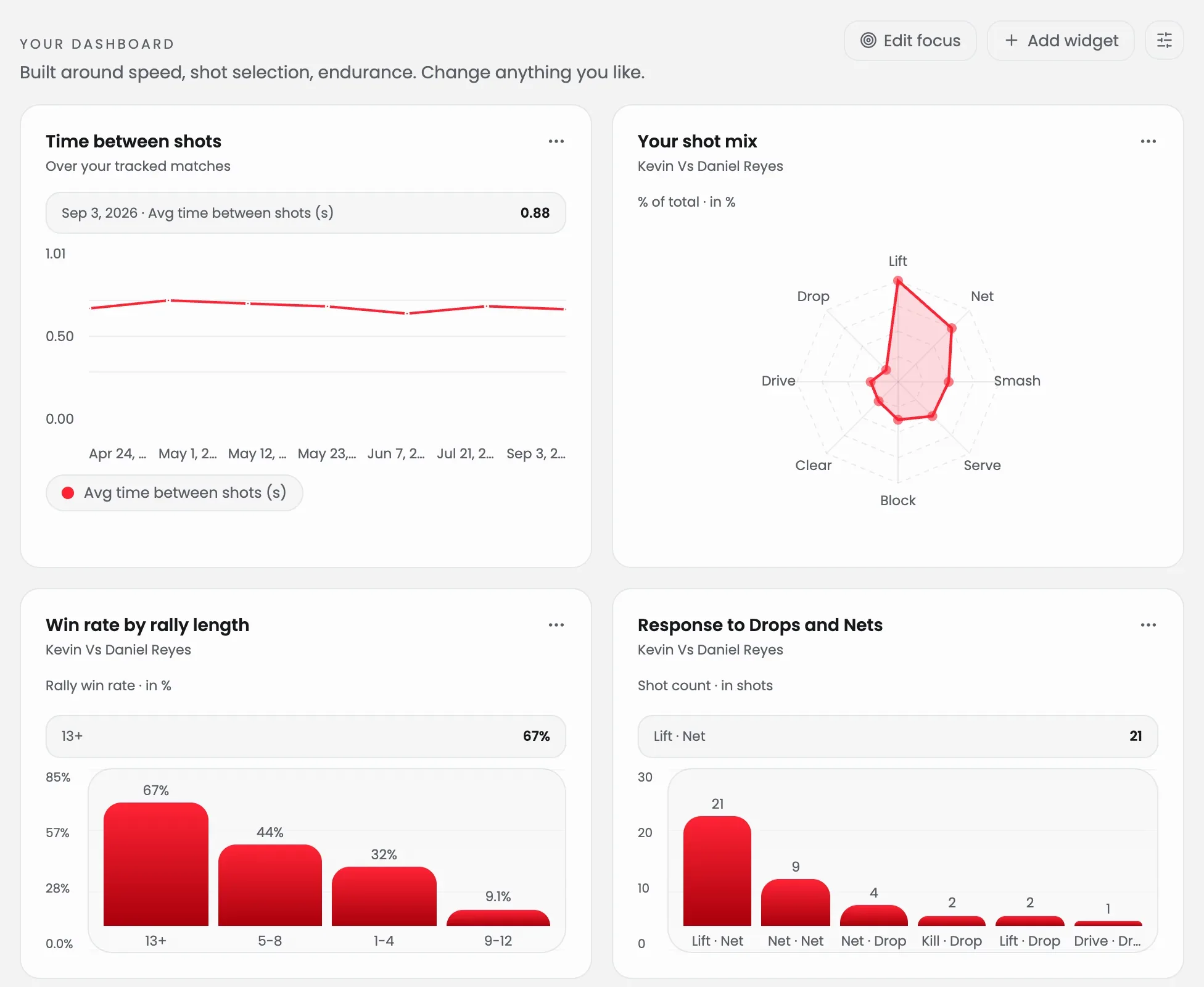
- Add widget asks what you'd like to track, in plain words. There's a manual builder beside it if you'd rather pick the fields yourself.
- Edit focus changes the goals the dashboard is built around.
- The ⋯ menu on any tile lets you ask the AI about it, expand it, export it as an image, edit it, resize it, move it, or remove it.
When a tile can't be worked out yet, it says what is missing instead of showing a number it can't stand behind.
TipsLink to this section
- Mark matches done after you check them so the dashboard shows data you trust.
- Check the match date on each project. Trend tiles plot every match on that date, and footage you uploaded long after playing can still land in the wrong week.
- Ask specific questions, like "Which shot causes me the most errors in singles?"
- Treat a single match as a hint. The patterns get stronger as you finish more.
Related guidesLink to this section
Still need help?
Browse all guides or send our team a message.